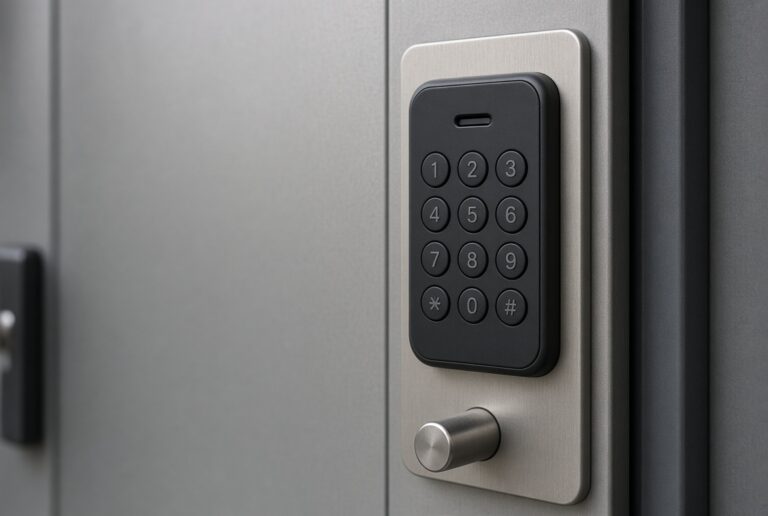
The door
Fitting a Smart Lock on a Steel Door Without Fighting the Jamb
Steel doors change the strike and the screw length. Measure thickness before you buy.
Make it work
Whether the lock fits the door you have, how it talks to your phone, and what to do when the batteries die on a weeknight.
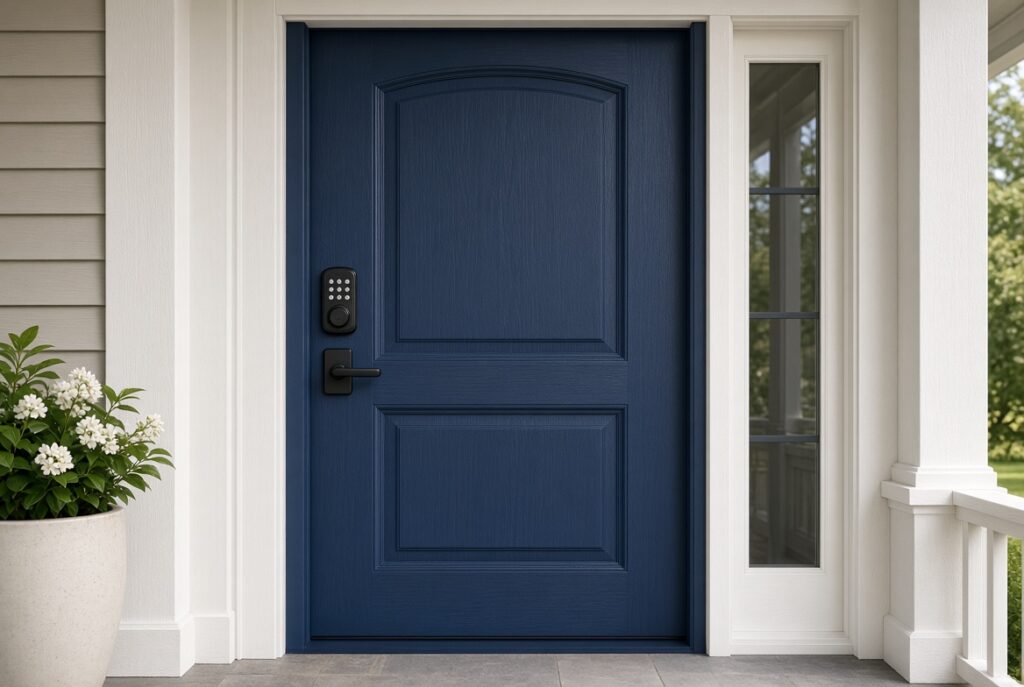
Start here
A standard deadbolt door is the usual case: remove the old lock, align the latch, then pair the app.
The door
Steel doors change the strike and the screw length. Measure thickness before you buy.
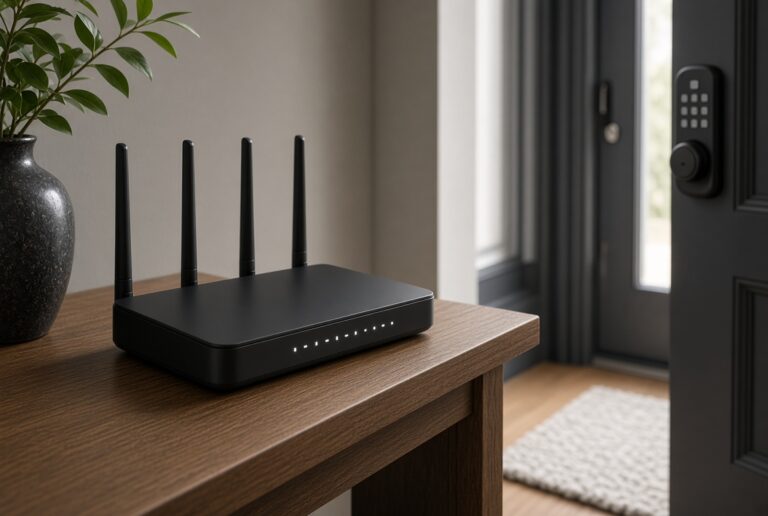
Radio
Wi-Fi on a lock is for remote codes and logs. Bluetooth still opens the door at the handle.
Daily use

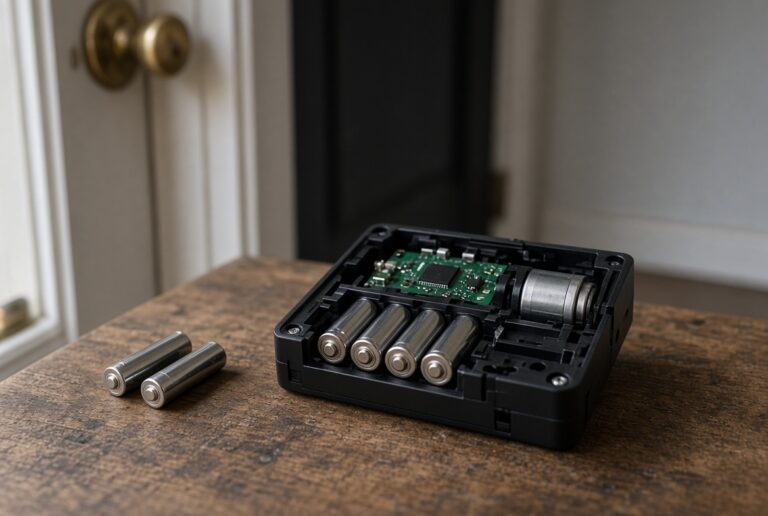
Batteries
Most keypad locks run for months on AAs. Low-battery warnings matter more than the brand claim.
Remote access
Kwikset Wi-Fi pairing wants the 2.4 GHz name and a phone that stays next to the lock.
Security
The risks that matter at a front door are weak PINs, shared logins, and a lock that dies with the battery.