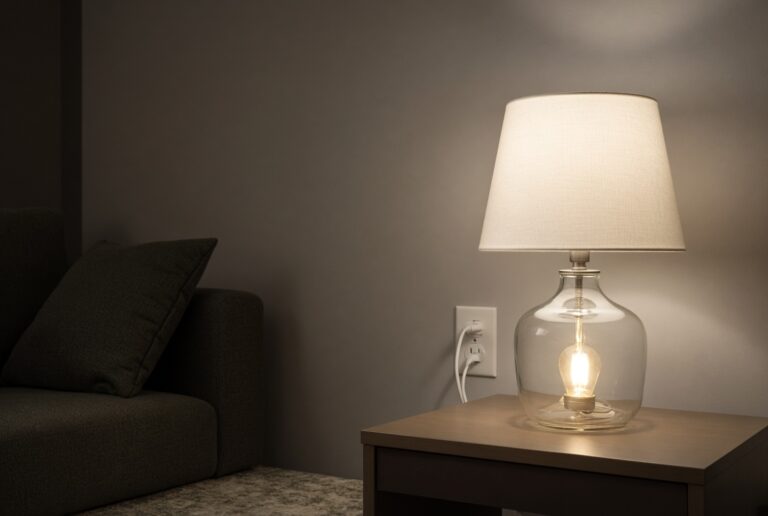
What you need
How to Choose a Smart Bulb That Fits the Fixture and the App
What to check before you buy: base, brightness, color temperature, and whether the bulb will join Alexa, Google Home, or Apple Home.
Make it work
How to choose bulbs or switches, connect them to Alexa, Google Home, or Apple Home, and keep them online without fighting the dimmer on the wall.
Start here
Start with one lamp, a 2.4 GHz network, and a clear choice between a smart bulb and a smart switch.
What you need
What to check before you buy: base, brightness, color temperature, and whether the bulb will join Alexa, Google Home, or Apple Home.
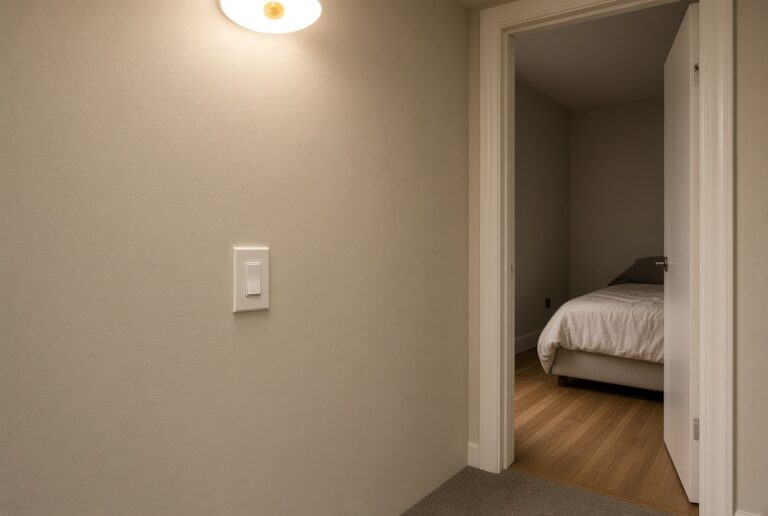
Decide
A smart bulb replaces the lamp. A smart switch replaces the wall control. Pick one path per fixture so they do not fight.
Fix

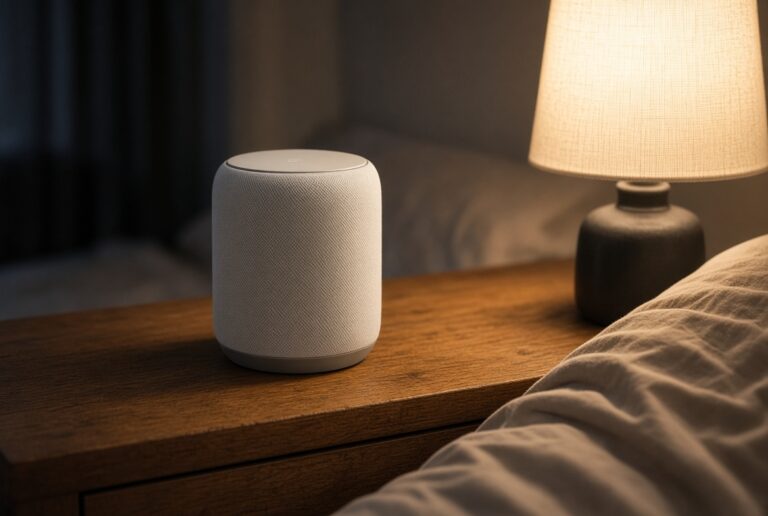
Voice
How to confirm a bulb will join Alexa, what 2.4 GHz actually means, and how to keep the pairing from failing.
Energy
The radio uses little power. Savings come from LED wattage and from turning lights off on a schedule.
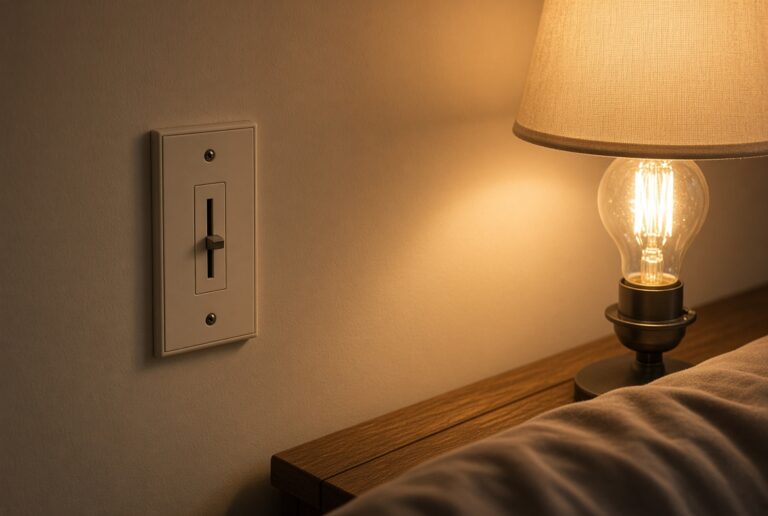
Dimmer
A smart bulb on an analog dimmer often flickers. Leave the wall switch on, or replace the switch instead of stacking both.