Before you buy
What You Need Before You Buy a Smart Thermostat
Check the system type, the C-wire, and the 2.4 GHz network before you pick a model.
Make it work
How to replace the wall control, check the C-wire, set a schedule you will keep, and judge whether the savings are real for your heating system.

Start here
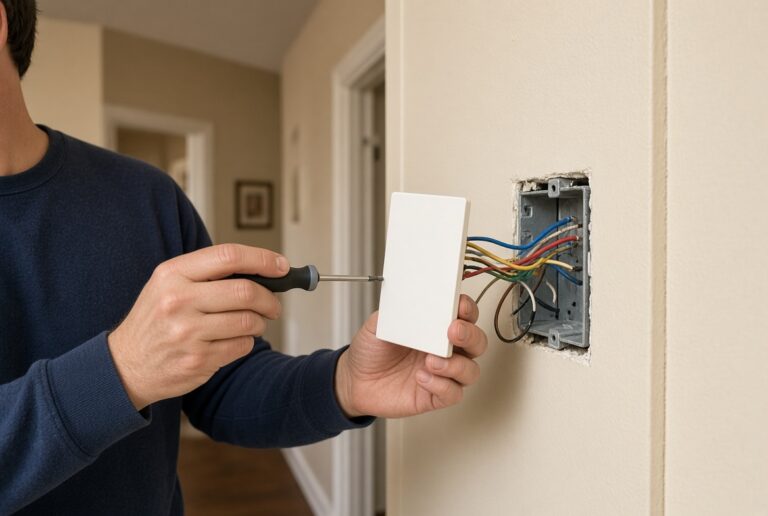
Photograph the old plate, match the labels, and test heat and cool from the wall before you open the app.
Before you buy
Check the system type, the C-wire, and the 2.4 GHz network before you pick a model.

Wiring
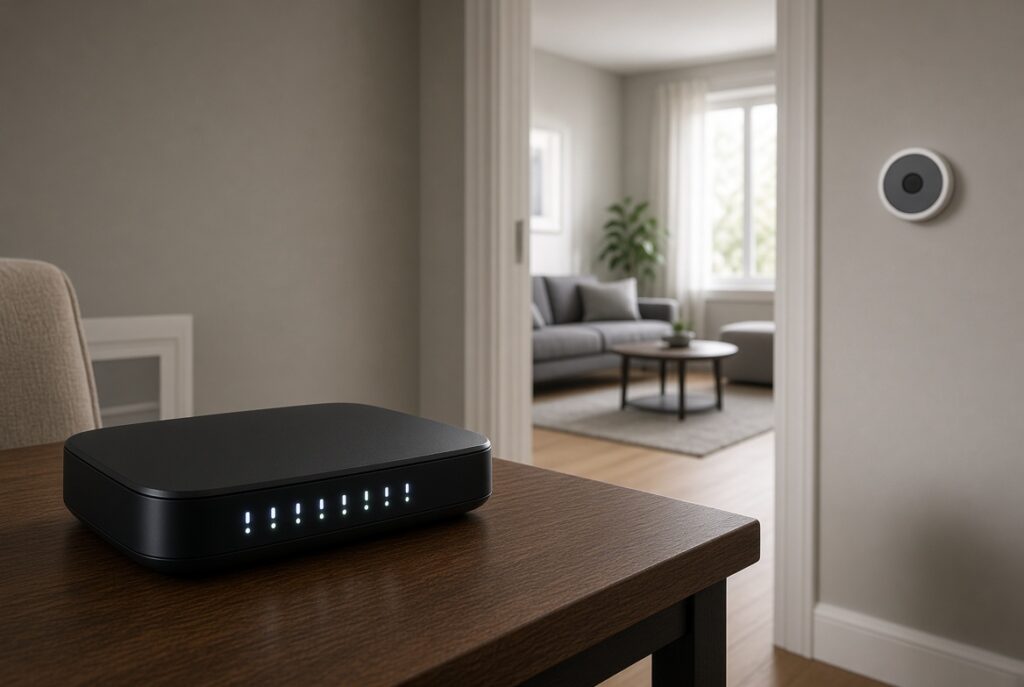
The common wire keeps a Wi-Fi thermostat powered. No C-wire means batteries, an adapter, or a new run.
Connection
Schedule
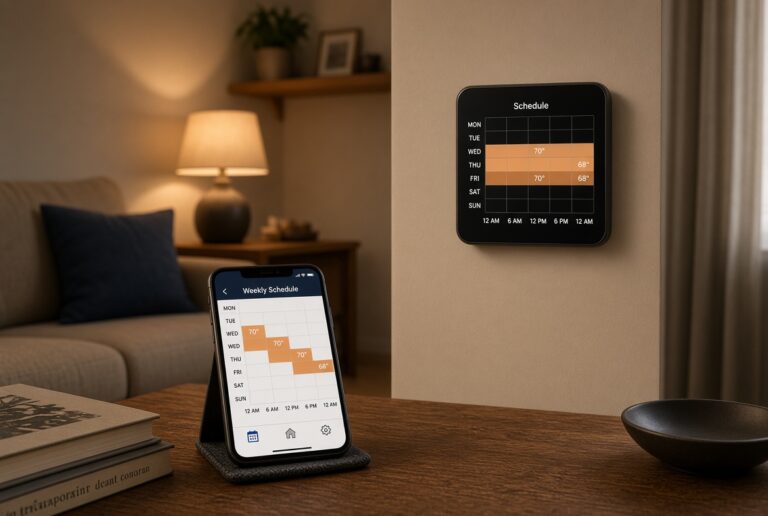
A schedule still pays off if you leave the house or sleep at a lower set point, even when you rarely touch the dial.
Bills
Savings come from setbacks and a working HVAC system, not from the logo on the wall plate.
Equipment
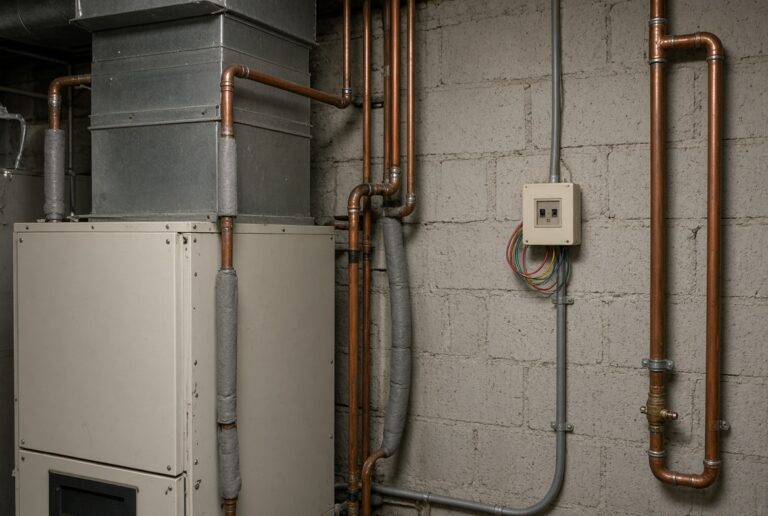
Conventional forced air, heat pumps, boilers, and line-voltage baseboard are not interchangeable.