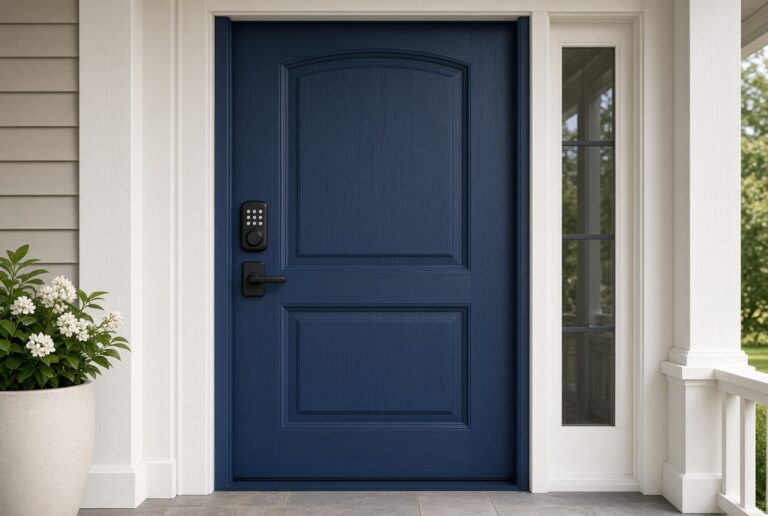
Smart Door Locks
-
How to Change the Code on a Yale Smart Lock: Enhancing Security and Convenience
Discover how to change the code on a Yale smart lock and unlock a world of convenience and security features. From touchscreen keypads to remote access, this article guides you through setting up time-sensitive codes, monitoring activity, and integrating with smart home systems for enhanced control over your home security.
-
Unlocking Enhanced Security: Adding a Smart Lock to Your Frontpoint System
Enhance your home security and convenience by adding a smart lock to your Frontpoint system. Discover the step-by-step guide to seamlessly integrating a smart lock, from compatibility checks to setting up notifications and user access permissions. Elevate your Frontpoint experience with smart lock features for advanced security and streamlined access control.
-
How to Use a Smart Lock with WiFi for Seamless Security and Access
Discover the wonders of using a smart lock with WiFi through this guide! Unveil the convenience of keyless entry, remote access, and smart home integration for top-notch security. Delve into the setup process from app download to testing remote access, and tackle common issues like connectivity problems with expert troubleshooting tips. Elevate your home security effortlessly!
-
How to Remove a Smart Lock from Your Phone Easily
Learn how to remove Smart Lock from your phone for enhanced security and privacy. Discover step-by-step guides for disabling Smart Lock on Android and iOS devices, including disabling biometric features, removing trusted devices, and resetting network settings. Take control of your phone's security with these comprehensive instructions.
-
How to Set Up Your Kwikset Smart Lock Like a Pro: Step-by-Step Guide and Tips
Discover the simplicity of setting up a Kwikset smart lock for seamless door unlocking via smartphone. This article presents a detailed guide on the installation process, addressing security aspects and compatibility with smart home setups. Gain insights into troubleshooting, positioning tips, maintenance guidelines, software updates, network security, and regular testing for maximizing efficiency. Elevate your smart home security with these expert suggestions.
-
How to Install a Smart Lock: Comprehensive Guide to Keyless Security
A standard deadbolt door is the usual case: remove the old lock, align the latch, then pair the app.
-
How Do I Change My Smart Lock Code Easily & Securely
Discover how to easily change your smart lock code using your phone and learn about the benefits of keyless entry and remote access. Ensure your home's security by following troubleshooting tips for common issues, such as incorrect code entry and low battery concerns. Manage your access control system effectively and enhance your home security by updating your smart lock code with ease.
-
Do All Smart Locks Require a Hub? Factors to Consider for Your Home Security
Unlock the secrets of smart locks! Discover if all smart locks necessitate a hub for operation. Learn about connectivity, power sources, integration with smart home systems, security features, installation demands, and style considerations to make an informed choice that enhances your home security and fits your lifestyle seamlessly.
-
How to Program Kwikset Halo Smart Lock Like a Pro
Learn how to program your Kwikset Halo Smart Lock with ease! Discover its advanced smartphone entry system and personalized access settings. From setting codes to integrating with smart homes, this guide covers remote locking, troubleshooting tips, and more for a seamless user experience.
-
How to Use Smart Lock Trusted Face: Troubleshooting Tips and Security Advice
Unlock the secrets of smart lock Trusted Face with this detailed article! Explore the convenience and security of facial recognition technology, along with troubleshooting tips for common issues like lighting problems and sensitivity issues. Ensure a smooth experience by following expert advice on maintaining security and optimizing Trusted Face settings. A must-read for anyone looking to make the most of this futuristic feature!