
Choose
Alexa, Google, or HomePod: Pick the Speaker That Matches the House
Alexa, Google, and HomePod are three different ecosystems. Pick the one that already runs the lights.
Make it work
How to pick Alexa, Google, or Apple, where the speaker should sit, and how to keep it from listening when you do not want it to.

Start here
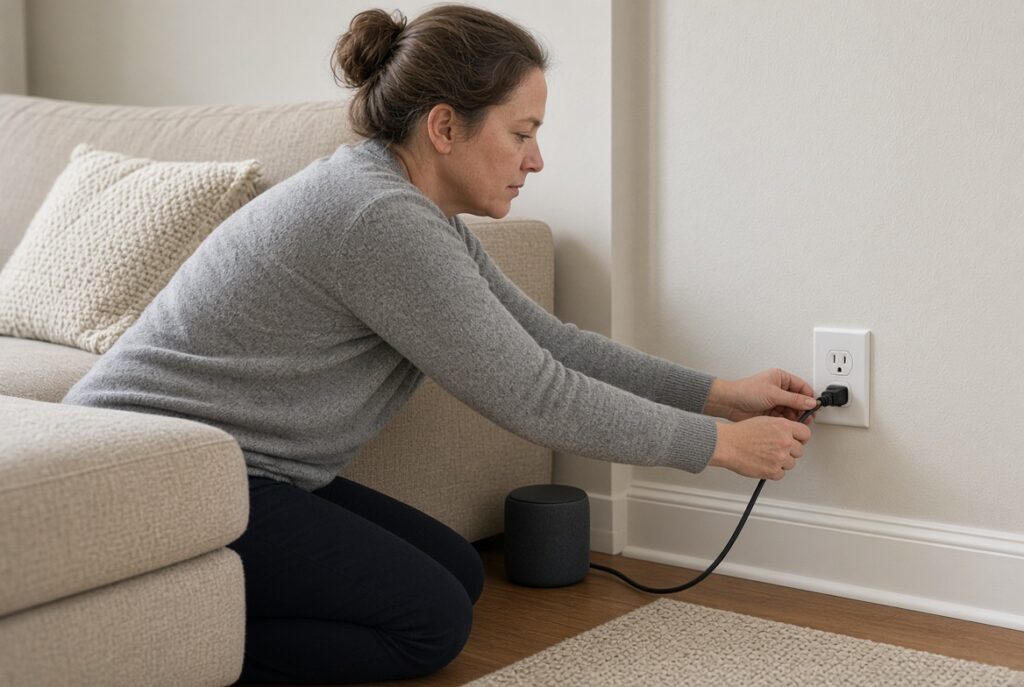
Plug the speaker in, join 2.4 GHz Wi-Fi, and finish the voice-assistant account before you add rooms.
Choose
Alexa, Google, and HomePod are three different ecosystems. Pick the one that already runs the lights.

Rooms
A bedroom speaker is useful for alarms and lights, and a problem if the mute switch stays off.
When it stalls

Routines
Link the lighting skill first, then name the rooms the same way you named the bulbs.

Privacy
The far-field mics listen for a wake word. The mute button is the only hard off switch.
Offline
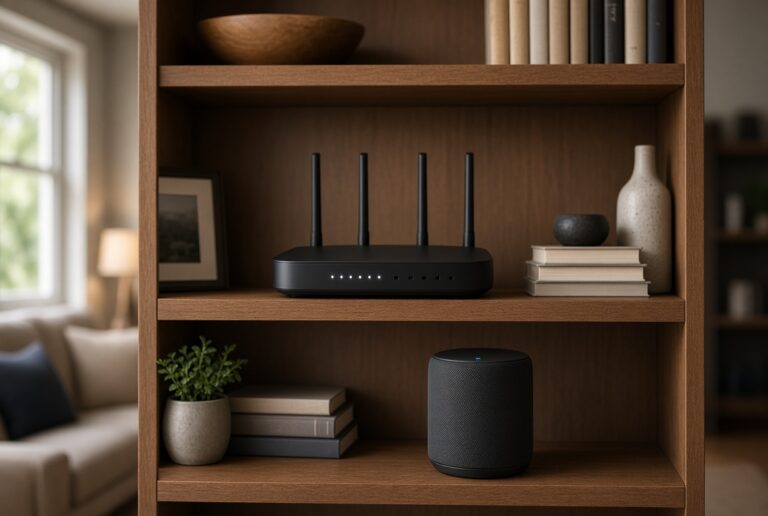
Moving house Wi-Fi usually means a reset or a temporary hotspot, not just a new password in settings.