
My desk used to sit in the corner of the living room without much thought to height or reach, and after a few months I noticed how often I ended up leaning forward just to stay comfortable.
Over time I realized that the way the chair, screen, and keyboard line up affects more than just my back because it also shapes how long I can actually stay focused before needing a break.
Small changes make the biggest difference here.
I started paying attention to where the light hits the desk during the day and how that simple detail changes whether the space feels workable or just crowded.
Ideas that treat the desk as part of the whole room rather than an afterthought seem to last longer once you live with them.
Adjustable Desks That Support Good Posture
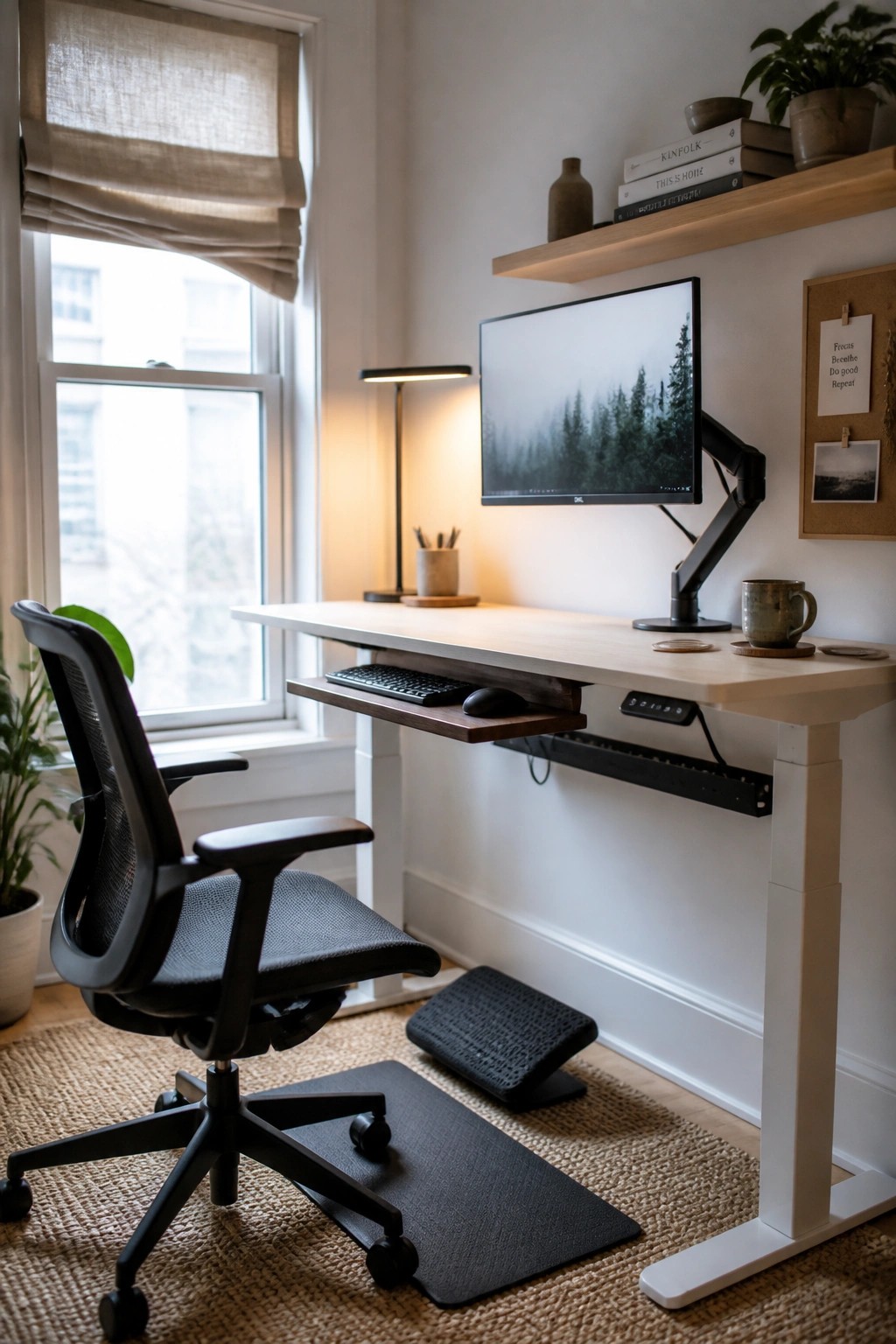
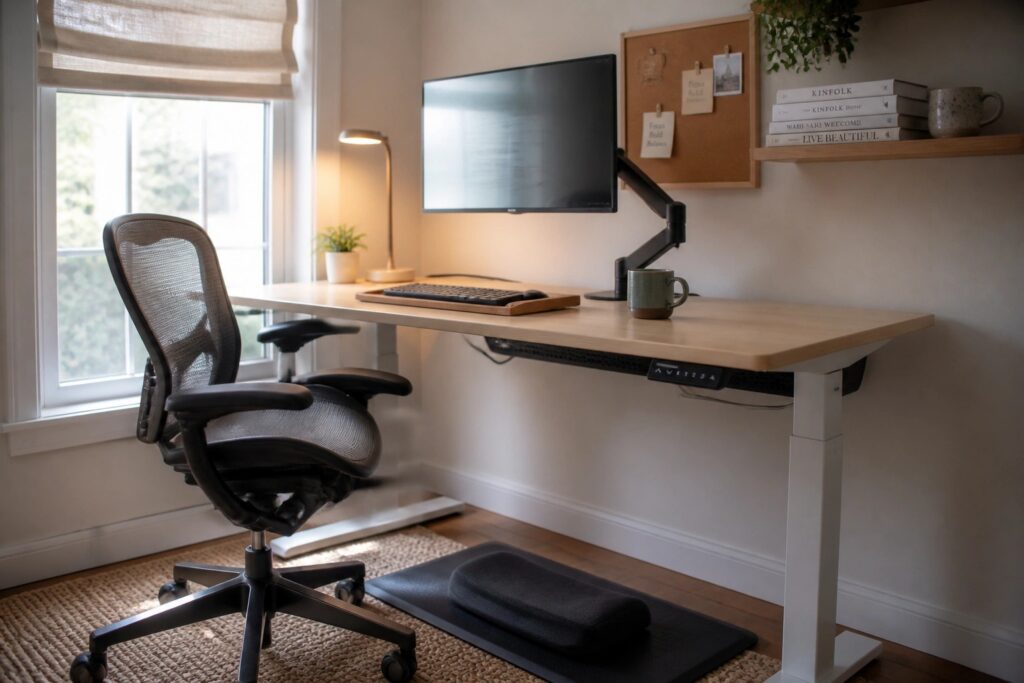
A height adjustable desk makes it easier to move between sitting and standing without much effort. This setup works well because it lets you change positions during long work sessions, which helps reduce stiffness and keeps you more alert.
It fits best in a home office where you spend several hours at the computer each day. Pair it with a supportive chair and a footrest so both positions feel stable. Watch the desk height carefully when you switch so your screen and keyboard stay at the right level.
Try A Backless Stool At Your Desk
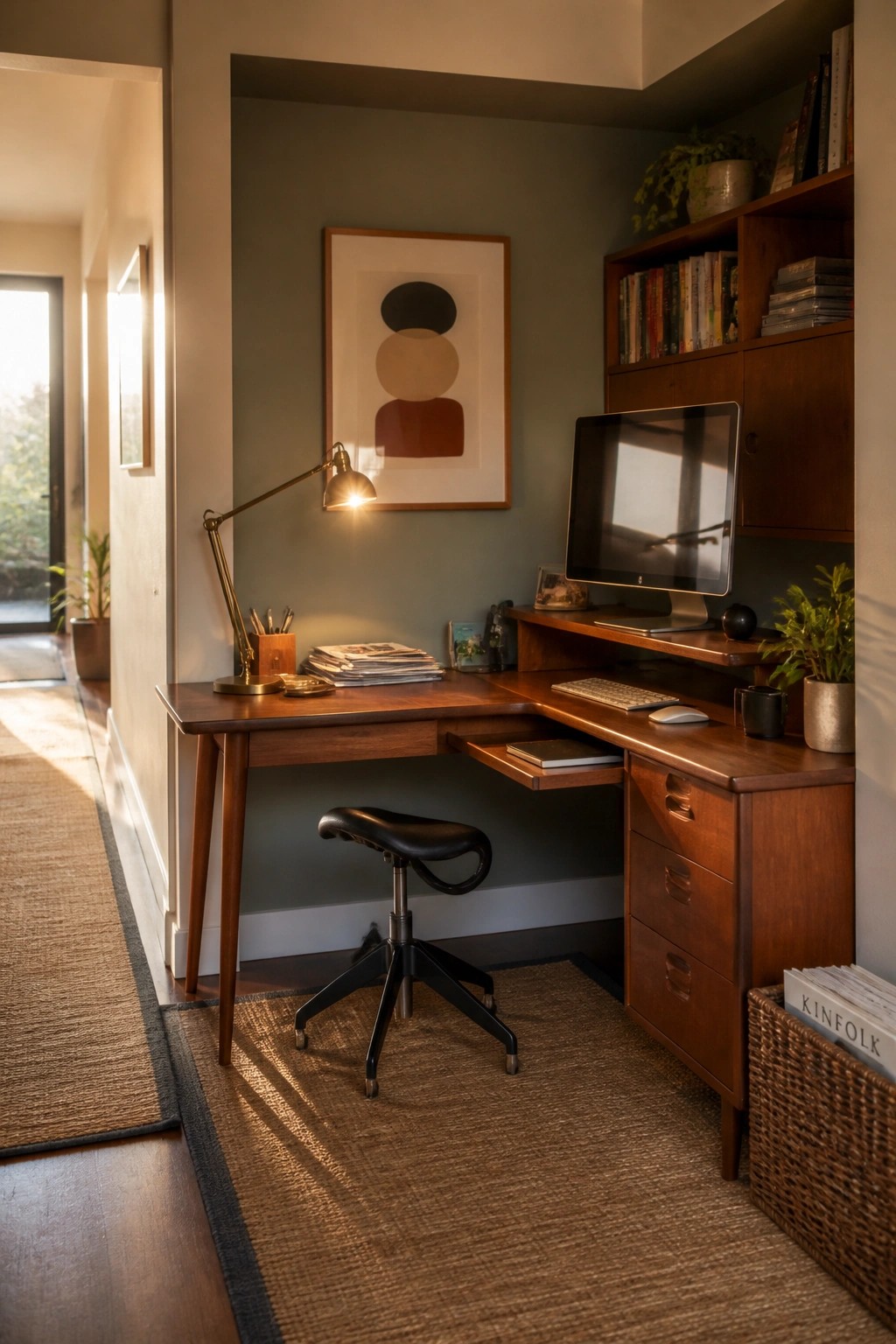
A backless stool can be a smart choice for desk setups because it keeps you from slouching. Without a backrest to lean on, you tend to sit more upright and engage your core a bit more throughout the day.
This works especially well in smaller home offices where space is tight. Pair it with a desk that has a lower shelf or drawer for your feet so you can adjust your position easily and stay comfortable during longer work sessions.
Ergonomic Chairs Pair Well With Adjustable Desks
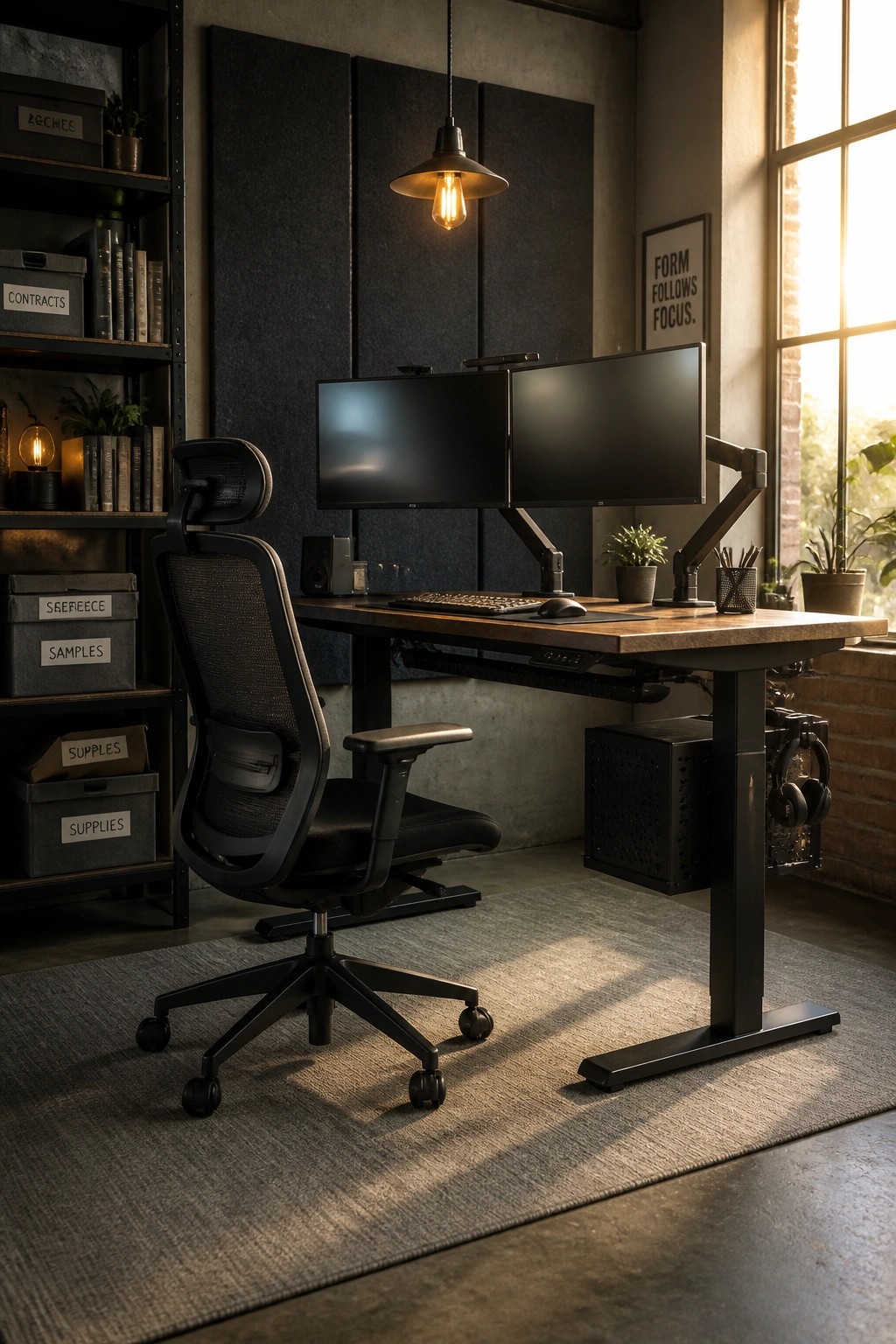
An ergonomic chair helps keep your back supported during long work sessions. The right one lets you sit with your feet flat and your screen at eye level, which reduces strain over time.
Try a chair with solid lumbar support and pair it with a desk that can move up and down. This setup works well in any home office where you sit for several hours a day.
Adjustable Desks That Help With Posture
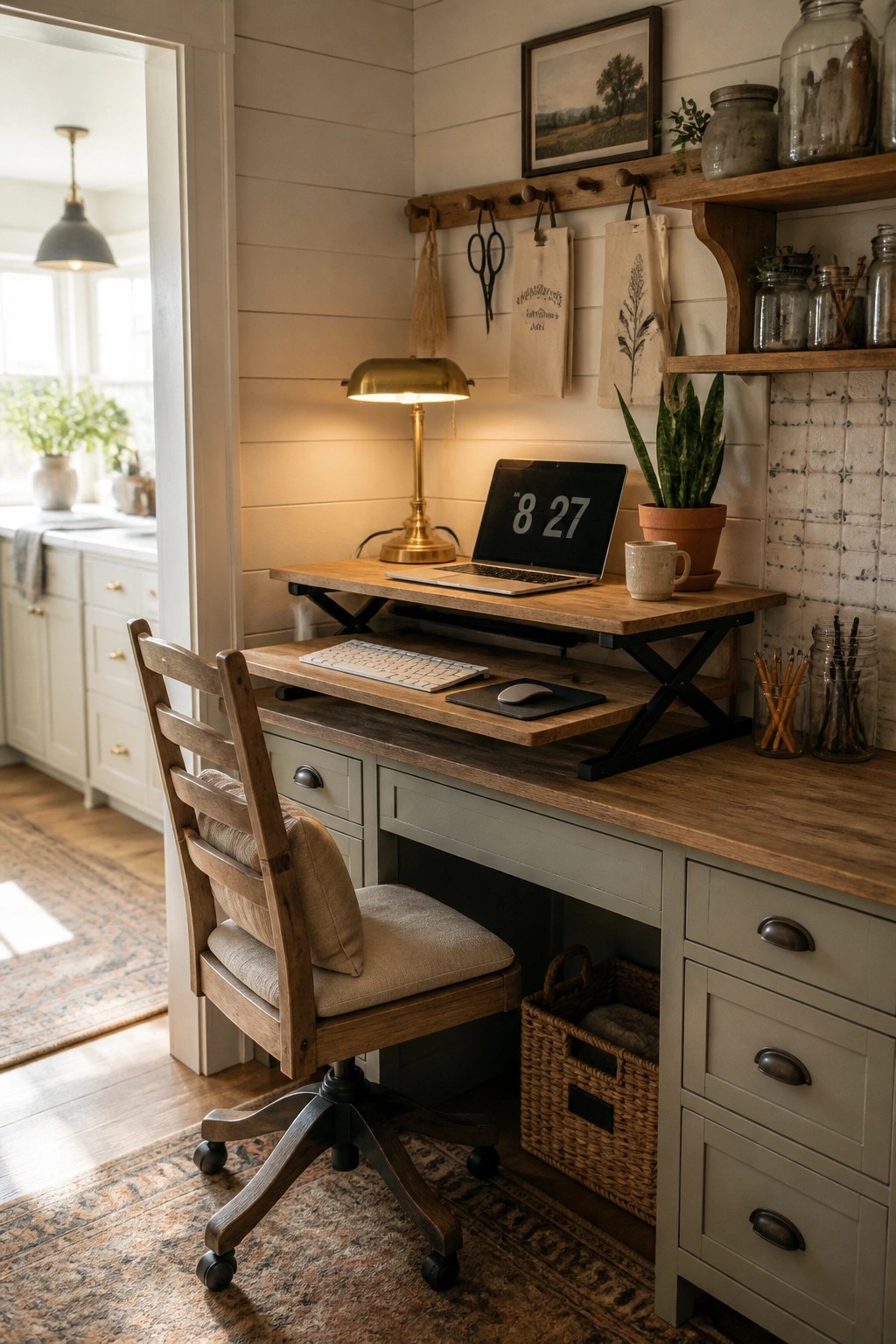
An adjustable desk lets you switch between sitting and standing without much effort. This simple change keeps your body moving during long work sessions and helps maintain a straighter back and better neck position over time. The wooden lift-top style shown here sits neatly in a small corner without taking over the room.
Place the desk near a window or in a quiet spot where you already like to work. Start with short standing periods and adjust the height so your screen stays at eye level. It works well in older homes or smaller spaces where a full standing desk might feel too large.
Build a Desk Inside a Closet
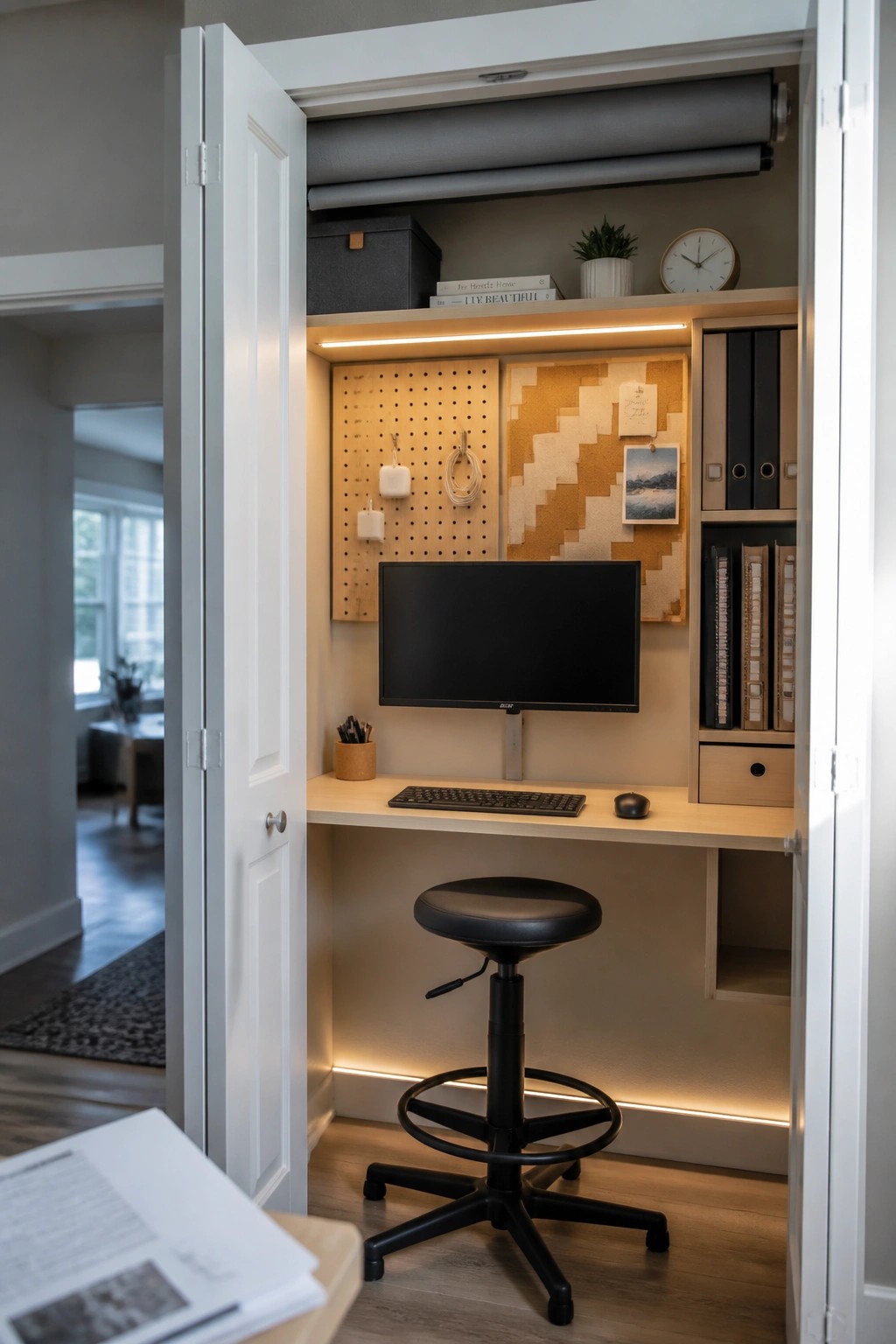
A closet desk keeps the work area separate from the rest of the room. Closing the doors at the end of the day helps limit distractions and makes it easier to stay focused during work hours.
This setup works best in smaller homes or apartments where space is shared. Mount the monitor on an arm and add lighting under the shelf so the surface stays clear and the screen sits at the right height for better posture.
Try a Kneeling Stool for Better Posture

A kneeling stool keeps your spine in a more natural position during long work sessions. It reduces the slouch that often comes with regular chairs and helps you stay focused without constant adjustments.
This option suits smaller rooms or setups where space is tight. Pair it with a desk at the right height so your shoulders stay relaxed and your screen sits at eye level.
Desk Under A Window For Natural Light
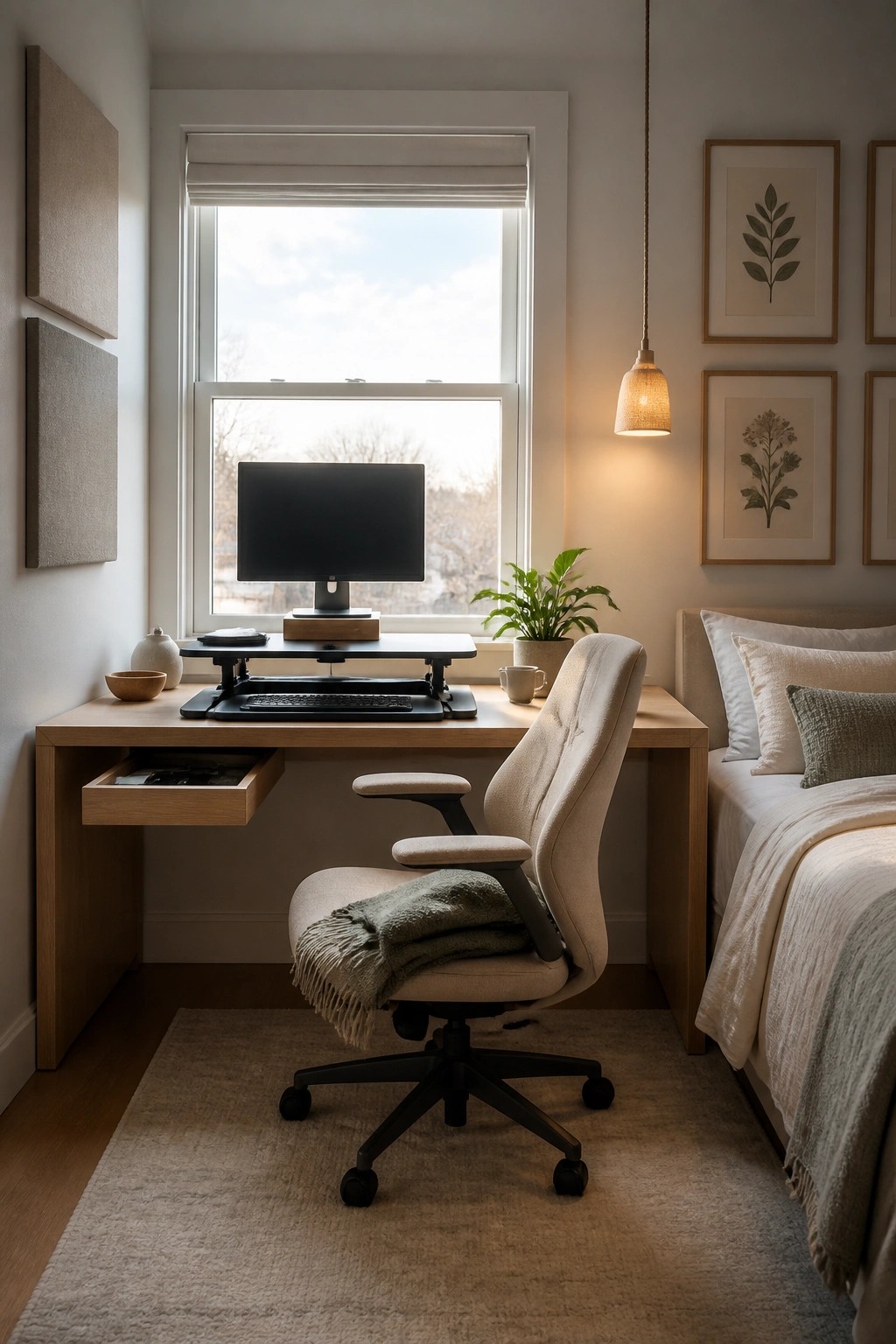
Placing a desk right under a window brings steady daylight into your workspace without needing extra lamps. The light helps reduce eye strain during long hours and keeps the area from feeling closed in.
This works best in bedrooms or small rooms where you want the desk to feel part of the daily space rather than tucked away. Pair it with an adjustable chair so you can maintain good posture while the view outside gives your eyes a break now and then.
An Adjustable Desk That Grows With Your Child

An adjustable desk gives kids room to move between sitting and standing without awkward reaching or slouching. The height change keeps their posture more natural during longer homework sessions or creative projects.
This works best in bedrooms or shared family spaces where the desk needs to last for several years. Keep the surface clear except for daily items and store the rest in nearby bins or on a pegboard so the area stays easy to use.
Mount the Monitor at Eye Level on a Narrow Desk
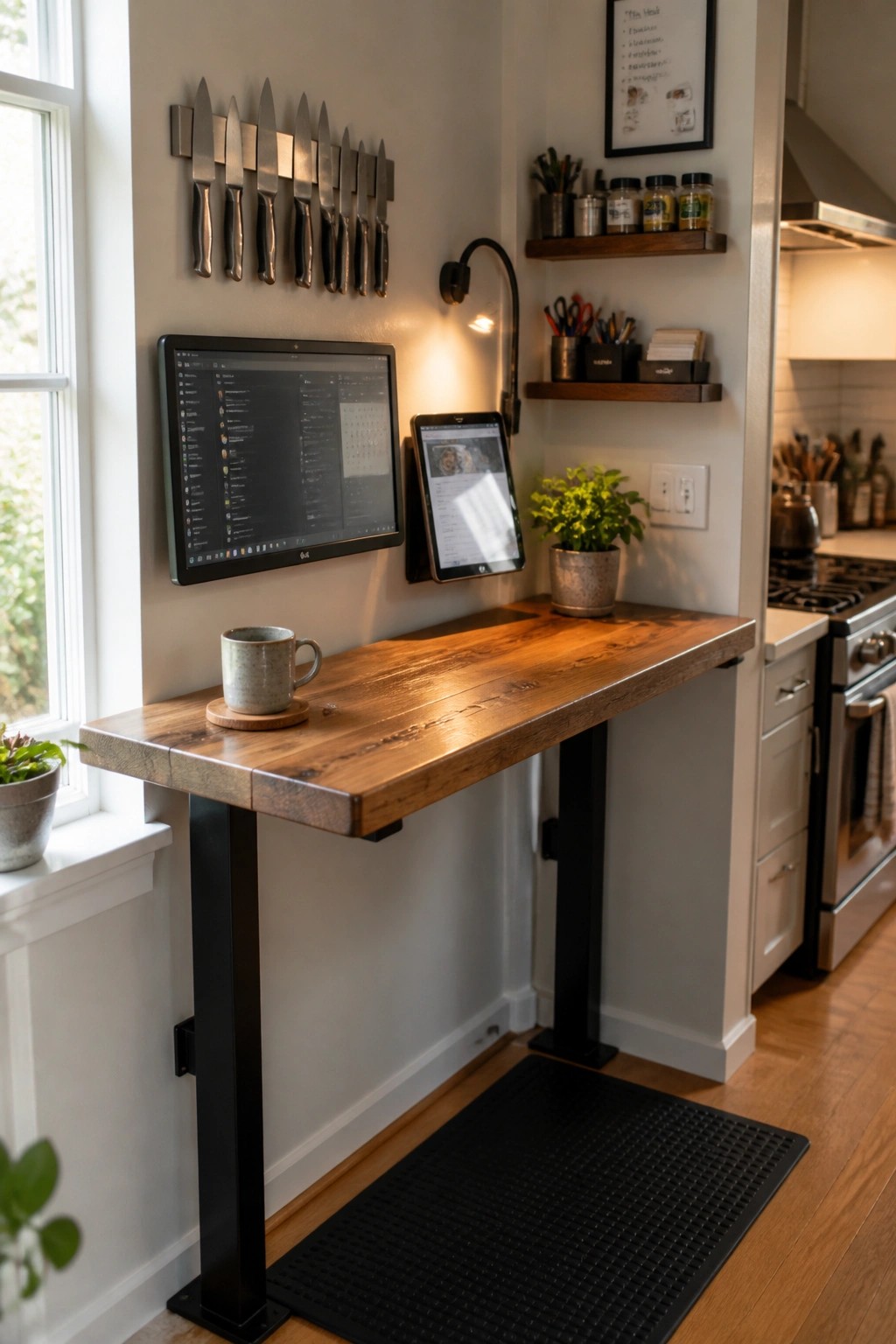
A slim wall desk with the screen fixed above it works well when you need a focused spot without taking over a room. The fixed height keeps the monitor where your eyes land naturally, so you sit taller and avoid hunching over a laptop all day.
This setup fits best in a kitchen corner, hallway, or any tight space where a full desk would get in the way. Keep the surface clear except for a mug or notepad, and make sure the desk height lets your forearms rest level with the keyboard.
Position Your Desk Facing a Window
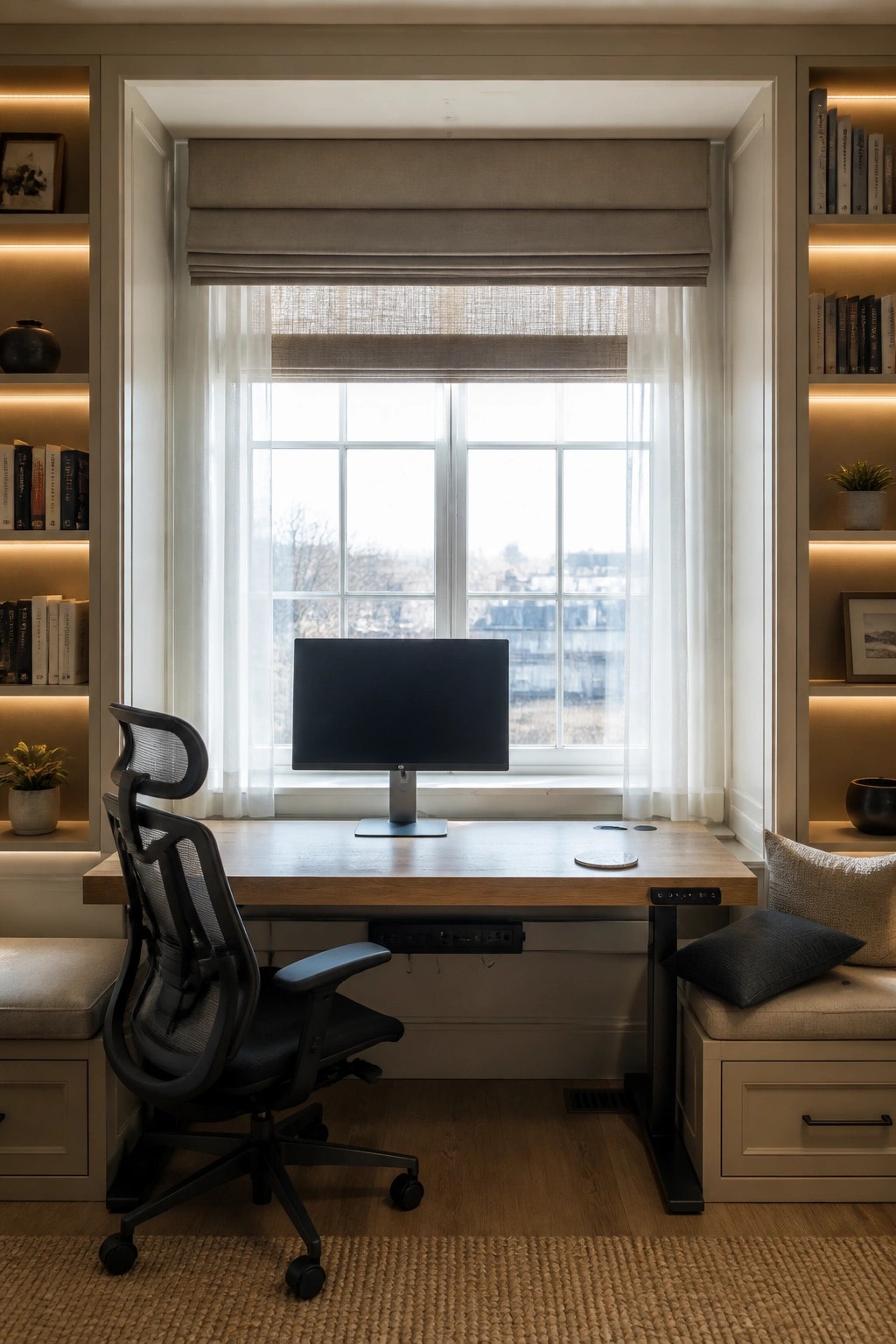
Natural light helps you stay alert during long work sessions. Setting the desk directly in front of a window gives you a steady view outside, which can ease eye strain and keep the space from feeling closed off.
This layout works best in smaller home offices where every inch counts. Built-in shelves on both sides hold books and supplies without crowding the work surface. An adjustable chair completes the setup so your back stays supported whether you sit or stand.
Ergonomic Chair and Adjustable Desk
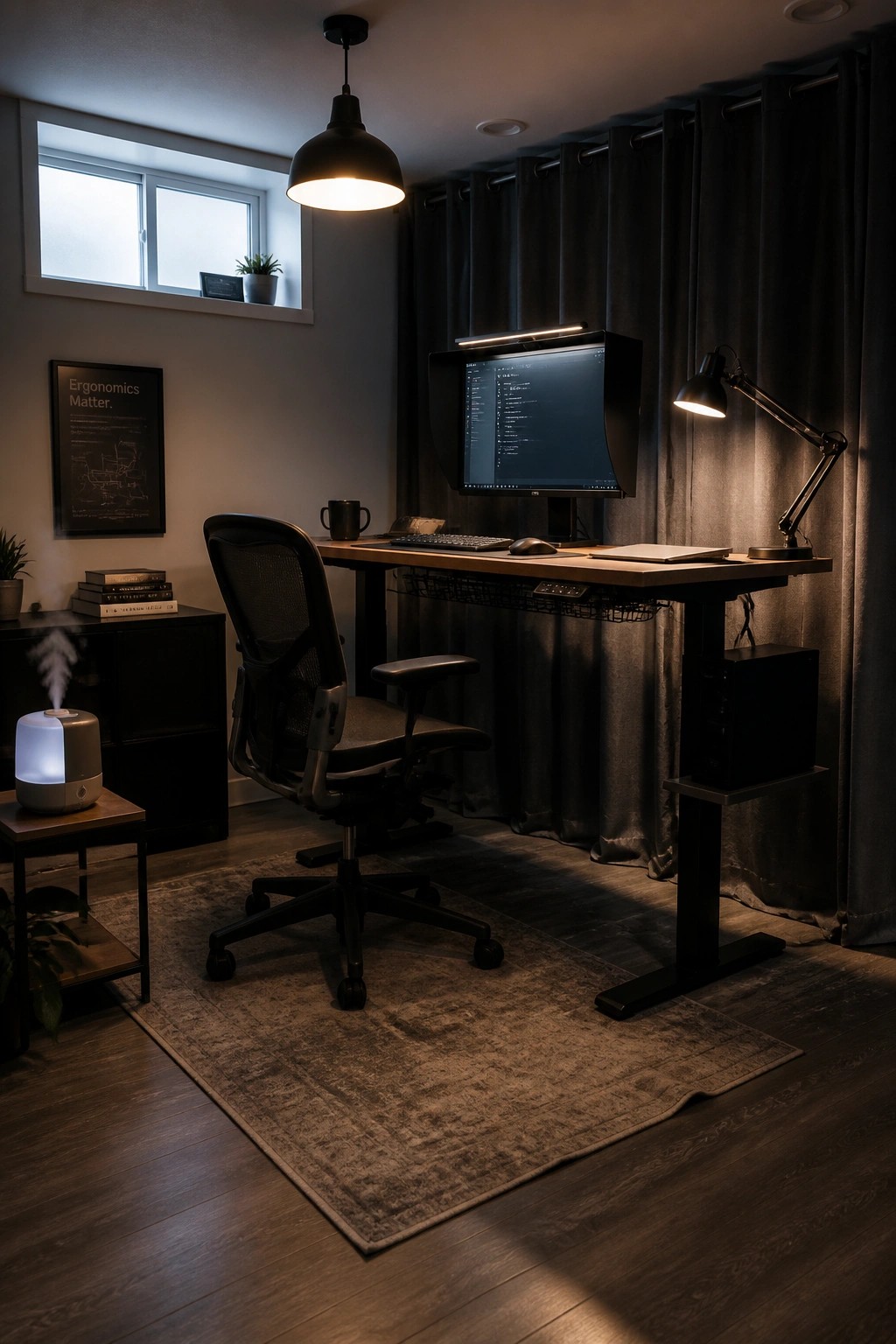
An ergonomic chair with good back support makes it easier to sit properly during long work sessions. Pairing it with a height adjustable desk lets you switch between sitting and standing, which helps reduce stiffness and keeps focus sharper over time.
This setup works best in a dedicated home office where you spend several hours a day. Look for a chair with adjustable armrests and lumbar support, and test the desk height so your screen sits at eye level.
Mount Your Monitor on an Arm
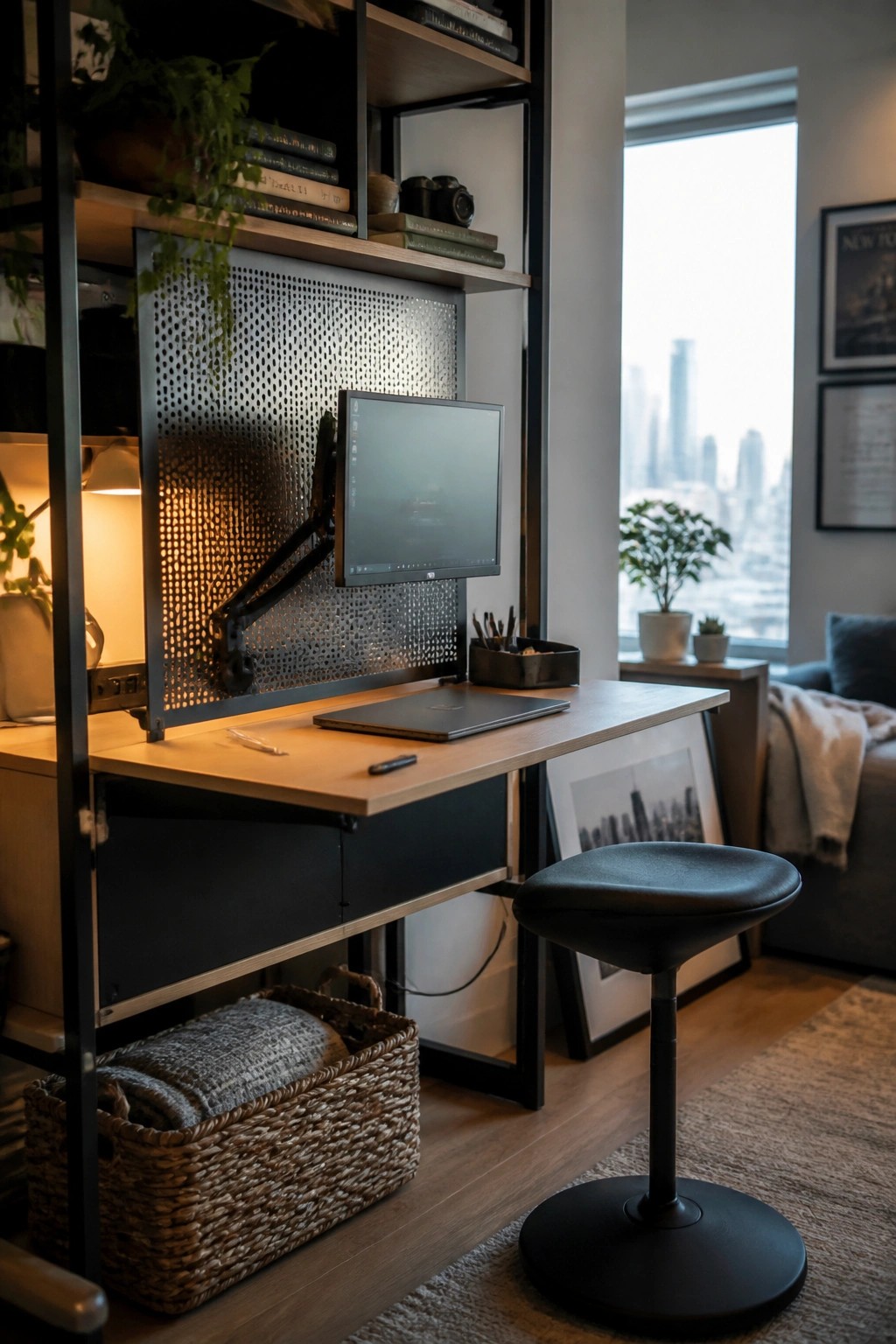
A monitor arm lets you set the screen at eye level without crowding the desk surface. This keeps your neck and shoulders in a better position during long work sessions and leaves room for a laptop or notebook.
It fits small rooms especially well because the arm tucks the monitor close to the wall when not in use. Add a height-adjustable stool and a couple of low baskets underneath to hold extras without creating visual clutter.
Height Adjustable Desks That Help With Posture
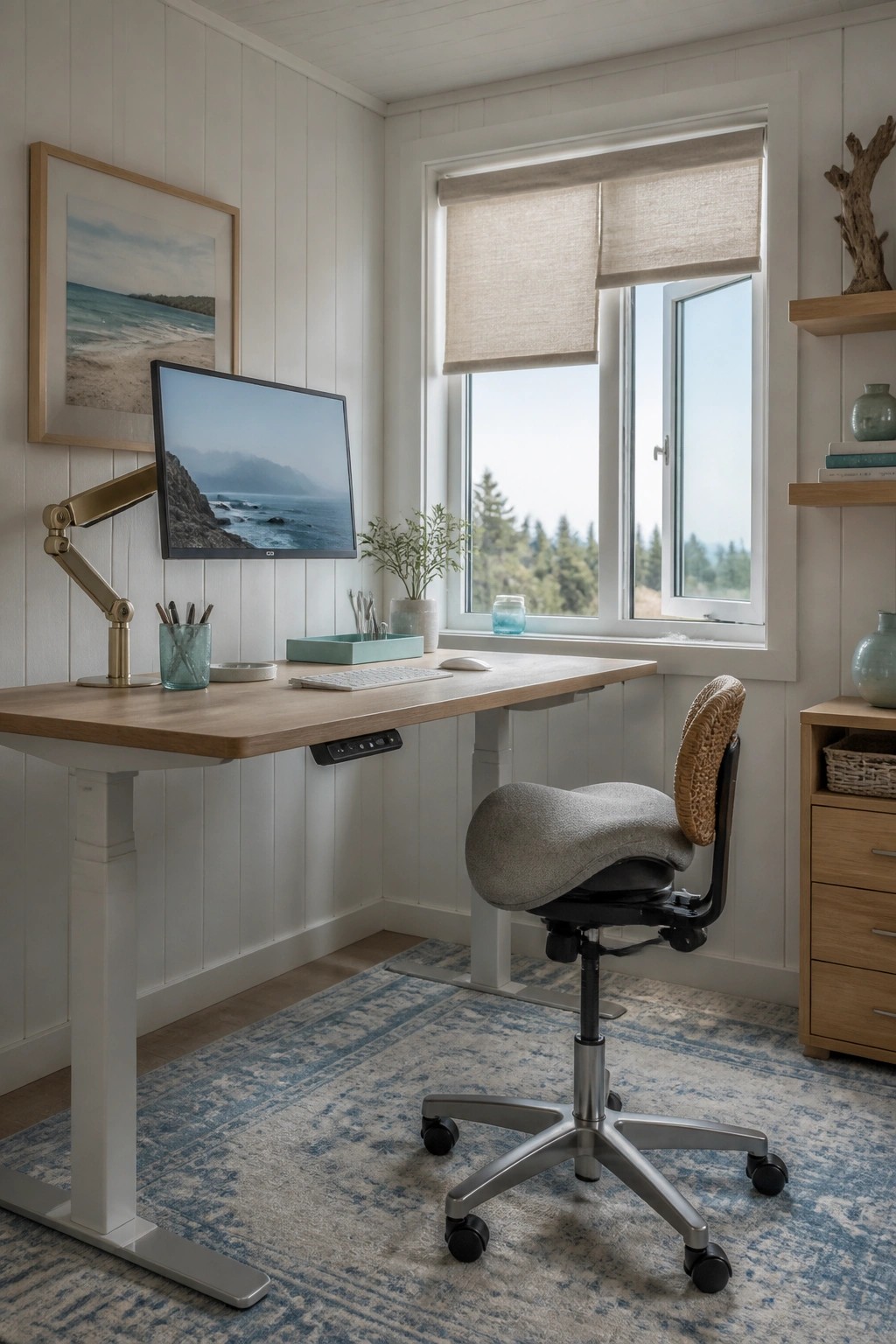
Many people notice they feel better during long work hours when they can change positions easily. A desk that raises and lowers lets you move from sitting to standing without rearranging the whole space, which reduces the usual aches that come from staying in one spot too long.
This works best in smaller rooms where you want to keep things simple and practical. Set the desk height so your screen stays at eye level and add a chair that supports your back properly. Keep it near a window if you can, since natural light often makes the setup feel less tiring over time.
Choose an Ergonomic Chair for Long Work Sessions
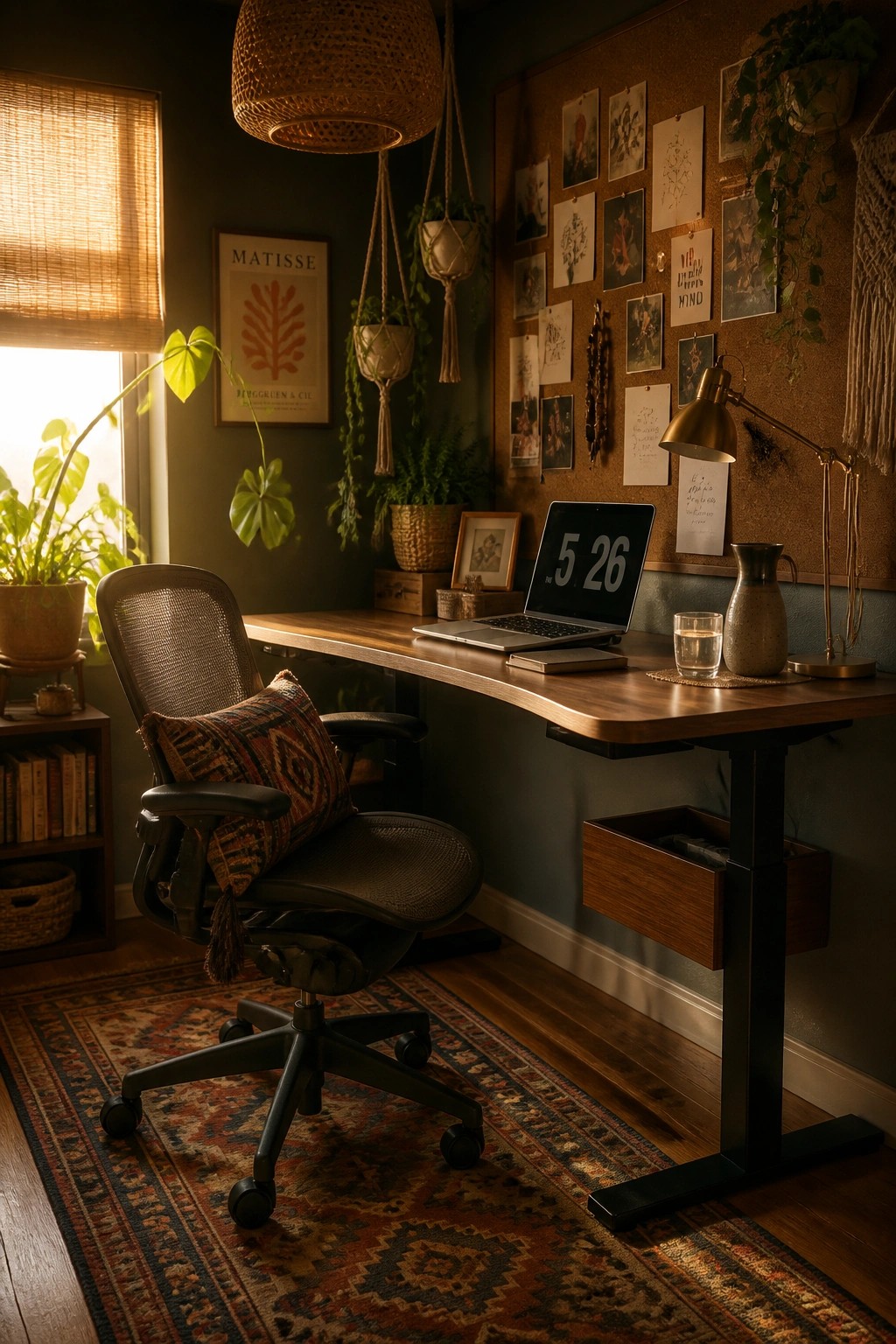
An ergonomic chair makes a real difference when you spend hours at a desk. It supports your back properly and lets you adjust the height and angle so your feet stay flat and your screen stays at eye level. Natural light from a nearby window helps too, keeping the space from feeling closed in.
Look for a chair with a breathable back and good lumbar support, then pair it with a desk that lets you tweak the height. This setup works well in smaller home offices where you need both comfort and focus. Skip anything too soft or low, since it will leave you slouching after a while.
Mount Monitors On Adjustable Arms
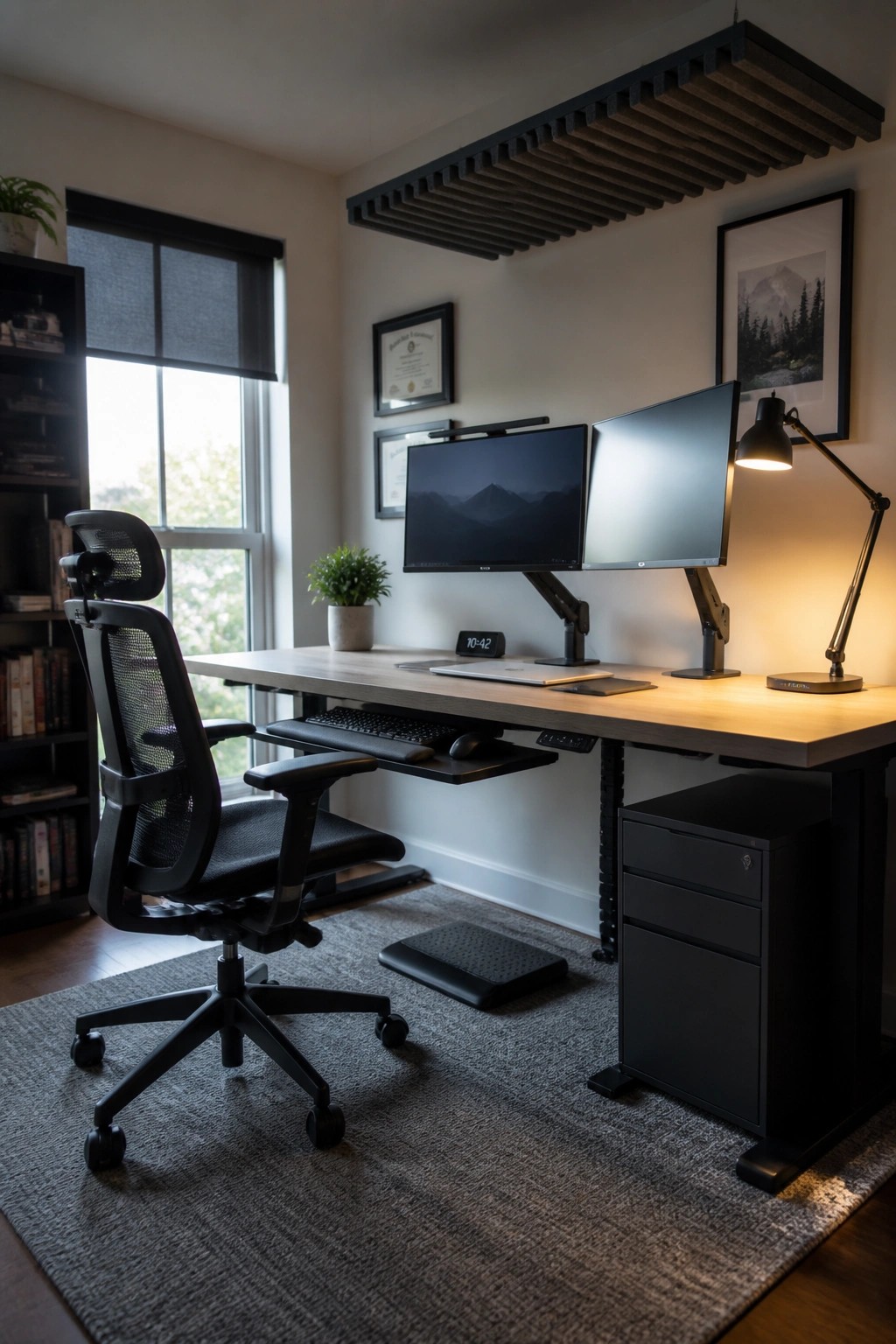
Monitor arms make it easy to set screens at the right height and angle. This keeps your neck straight and your shoulders relaxed during long work sessions. The setup also frees up desk space underneath for other items.
This works especially well in smaller home offices where every inch counts. Place the arms on a sturdy desk, match the height to your seated eye level, and add a simple footrest if needed. Avoid overextending the arms, which can cause wobble.
Adjustable Standing Desks For Better Posture
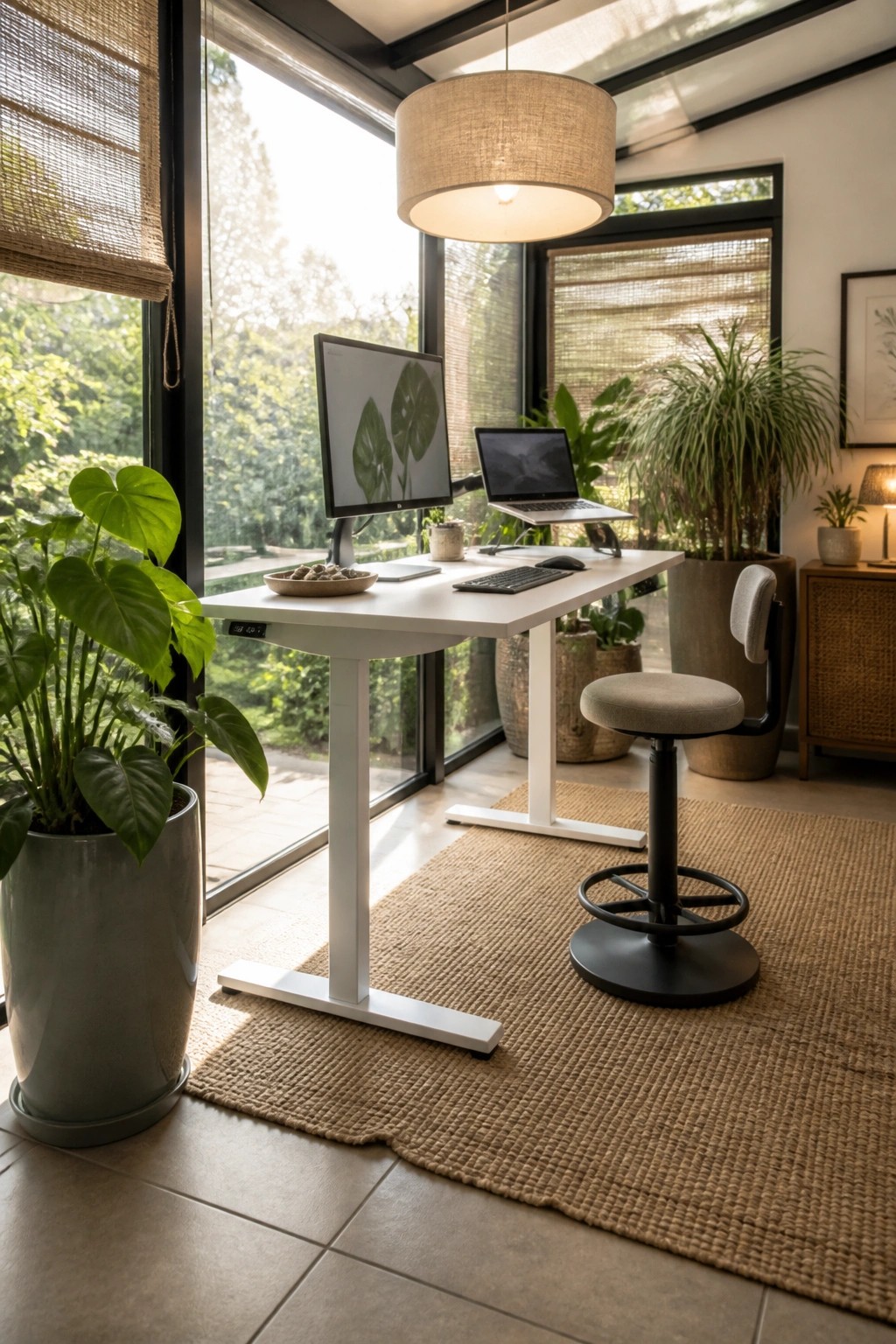
An adjustable desk lets you switch between sitting and standing without much effort. This simple change helps keep your back and shoulders from locking into one position all day.
It works best in a quiet corner with steady natural light, where you can raise or lower the surface to match your task. Pair it with a stool that lets your feet rest flat so the whole setup stays practical rather than just trendy.
Position Your Desk Under A Skylight

Placing a desk directly under a skylight brings steady natural light into the workspace without needing extra lamps during the day. This setup keeps the area bright and helps reduce eye strain, which makes it easier to stay focused on tasks for longer stretches.
It works well in attic offices or any room with a sloped ceiling where a window can sit above the desk. Keep the monitor angled to avoid glare and choose a chair that supports good posture so the light does not encourage slouching.
Height Adjustable Desks For Better Posture

Many people notice they feel more alert when they can switch between sitting and standing during the workday. A height adjustable desk makes that shift simple and keeps the rest of the setup in the same spot.
It works best in a home office where you sit for long stretches. Pair the desk with a chair that supports your back so you stay comfortable in either position.
Frequently Asked Questions
Q: How high should my monitor sit if I want to avoid neck pain?
A: Line up the top of the screen with your eye level so you look straight ahead. Tilt it slightly back if glare bothers you. This small tweak supports better posture right away.
Q: Can I improve my setup on a tight budget?
A: Start by stacking sturdy boxes under your monitor and keyboard to raise them. Swap in a dining chair cushion for lumbar support if your seat feels flat. (Many people see quick gains from these tweaks alone.)
Q: How often should I get up when I’m deep in work?
A: Stand every forty five minutes. A quick walk around the room resets your focus fast.
